More Information
How to Setup Your Mobile Commodore Card
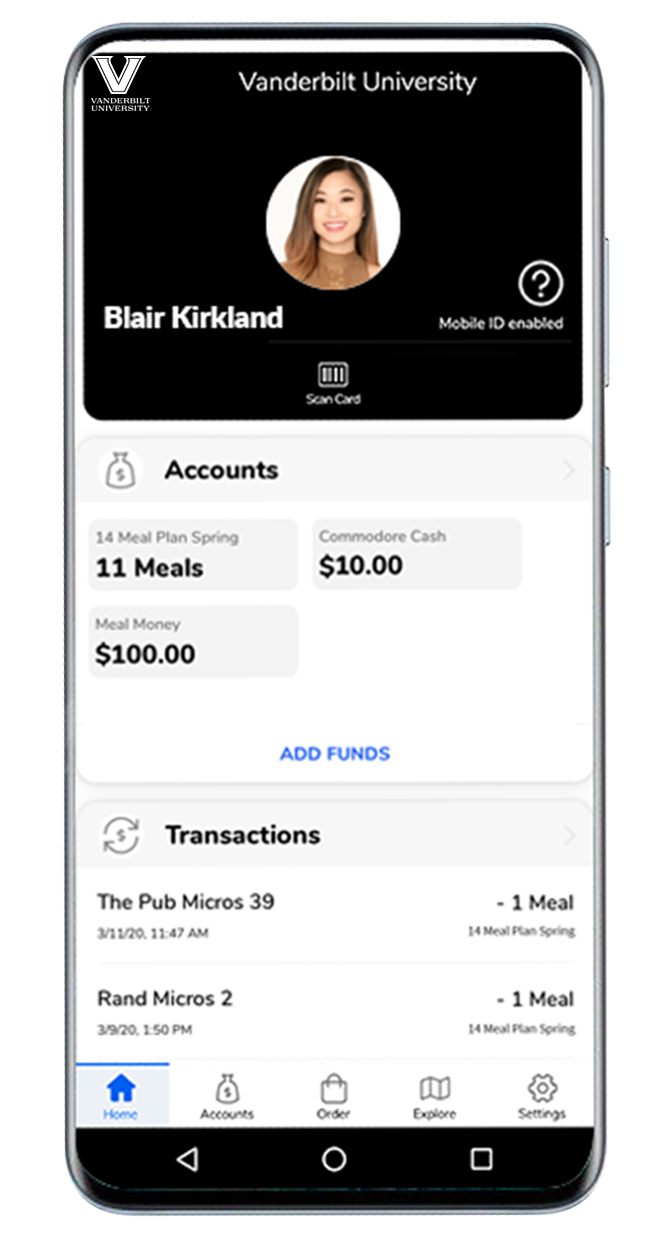
Class of 2030 will be able to setup your mobile Commodore Card on July 1.
- Have a photo submitted and approved
- If you already have a valid Commodore Card and photo on file, please continue reading.
- Open the Settings app on your phone, and use the search function for NFC.
- NFC must be enabled for this to work.
- Please follow instructions to setup multi-factor authentication with .
- , install, and open the
 app [GET Mobile in the app store]
- [Allow to track your location]
- Tap on

- Follow the steps to add your Commodore Card to your phone.